Introducing Brand Hub: Make Every Jounce Output Sound Like You
Brand Hub is the single place in Jounce where you define who you are — and from that moment on, every piece of copy, every image, and every chat reply automatically matches your brand.
 Tyson Quick7 min read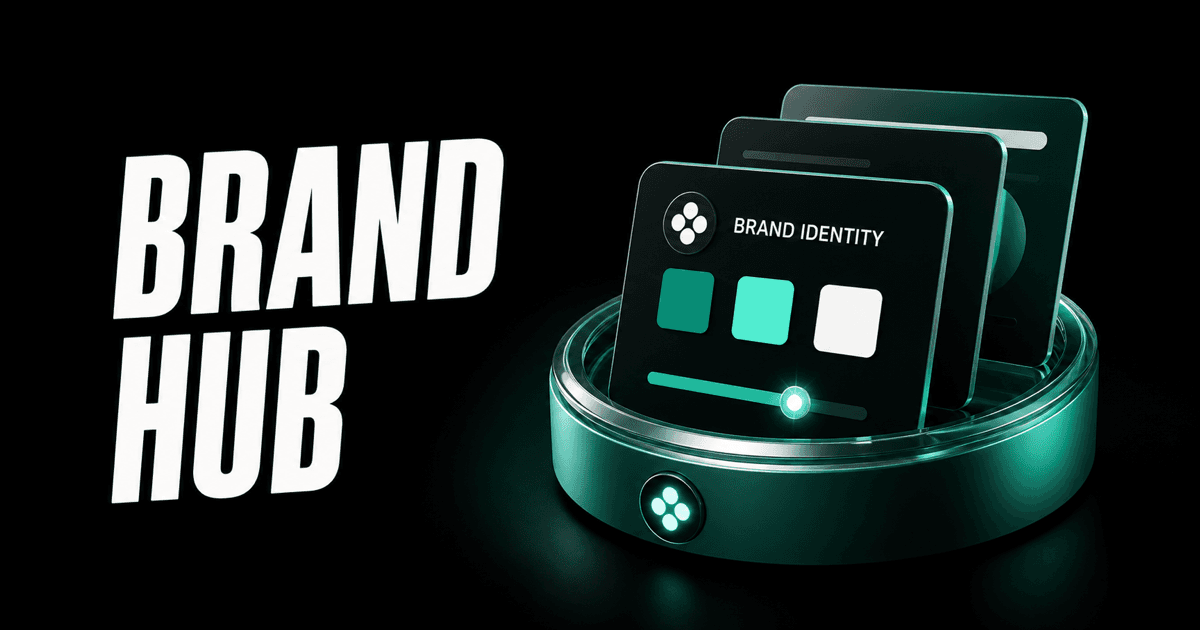
On this page
One thing has always bugged me about AI content tools: you spend ten minutes writing the perfect output, then spend another ten minutes rewriting it to actually sound like your company.
Brand Hub fixes that. Set it up once — and every piece of content Jounce writes, every image it generates, and every Chat reply it gives will already sound like you.
The problem with generic AI
Most AI tools treat every user exactly the same. They don't know that your brand voice is "confident and witty, never salesy." They don't know you're speaking to marketing teams, not developers. They don't know your brand colours are mint greens or that your imagery style is clean and modern with real photography.
So every output needs editing. You add your brand voice, you change the tone, you fix the audience targeting — over and over, on every single piece of content.
Brand Hub solves this at the root. Instead of correcting the output after the fact, you tell Jounce who you are up front. Then it just knows.
What is Brand Hub
Brand Hub is a settings page in Jounce — found under Settings → Brand — where you build a complete profile of your brand. It covers:
- Who you are and what you do
- Who you're writing for
- How you sound
- What your brand looks like visually
- What words to use — and which ones to avoid
Once filled in and turned on, this profile is automatically injected into everything Jounce generates. Your templates come out pre-voiced. Your Chat responses match your tone. Your AI Art uses your brand colours without you having to describe them every time.
Setting up your Brand Hub
Go to Settings → Brand in your Jounce account. At the top you'll see a toggle: "Use my brand in all content." Flip it on. That's the master switch — leave it on and your brand applies everywhere. Turn it off and Jounce behaves exactly as it did before, with zero changes to existing outputs.
Below the toggle are five sections to fill in.
The five sections of Brand Hub
The basics
Start with your brand / company name and your website. These seem simple, but they anchor everything else — the name is used in copy to make it feel native, and the website unlocks auto-fill (more on that below).
There's also a free-text field: "What does your brand do?" Write one or two sentences here. Think of it as the brief every Jounce generation starts from.
Audience & positioning
This is where you define who you're talking to and why you win:
- Who are you writing for? — Your target customer: who they are, what they care about, the pain points you solve.
- What makes you different? — Your key differentiators and unique value.
- Key products or services — Your main offerings and their standout benefits.
The more specific you are, the more targeted every output becomes. A vague audience definition produces generic copy; a sharp one produces copy that makes the right people feel seen.
Voice & style
Two fields that shape the tone of everything Jounce writes:
- Brand voice — The personality of your brand in a sentence. Examples: "Friendly, confident, and clear — never salesy" or "Sharp and direct, like a consultant who's short on time."
- Writing style rules — The house style guide. Short sentences. Active voice. UK spelling. No jargon. Speak to "you." Whatever your brand uses, write it here.
Jounce reads these as standing instructions across every generation.
Visual identity
This is the newest part of Brand Hub, and it directly powers Jounce Art.
When you generate an image in Jounce, you want it to actually look like your brand — not just a generic stock photo. Visual identity gives Art what it needs to get there:
- Brand colours — Add up to five hex colours. Jounce will use these when generating images, so the palette feels native to your brand. Colours auto-extract from your website (see below) or you can enter them manually.
- Logo — Upload your logo (PNG, JPG, SVG, or WEBP up to 2 MB). For now, the logo is stored against your profile; visual logo overlay in generated images is on the roadmap.
- Imagery style — Describe how your visuals look in plain English. Examples: "Clean and modern with lots of white space, real photography." Or "Bold, colourful, flat illustration style." This phrase is folded directly into the image generation prompt.
Guardrails
Three fields that act as standing rules for everything Jounce writes:
- Words & phrases to use — Brand terms, product names, SEO keywords. Jounce weaves these in naturally.
- Words & phrases to avoid — Off-brand language, banned claims, anything that shouldn't appear in your content.
- Competitors to be aware of — Name them so Jounce can position you well. It won't mention them unless you ask, but knowing who they are helps it frame your advantages accurately.
Auto-fill from your website
The fastest way to populate Brand Hub is the "Auto-fill from website" button. Enter your website URL, click the button, and Jounce visits your homepage and drafts your brand profile for you.
It reads your page content to draft your description, audience, value props, brand voice, and imagery style. It also scans your stylesheets for brand-named CSS variables to extract your colour palette — so if your site is built on Webflow, Framer, or any CSS-variable-based framework, your exact hex colours come through automatically.
It also pulls candidate logos from your site — the nav wordmark, app icon, and og:image — and shows them as thumbnails for you to pick from. This avoids the awkward situation of auto-applying the wrong image as your "logo."
The rule is fill-blanks-only: auto-fill never overwrites a field you've already typed. So you can run it, review what it drafted, edit anything that's off, and save. You're always in control.
Brand Hub in Art: on-brand images
The clearest place you'll see Brand Hub in action is in Jounce Art.
When you open Art, the sidebar has a Brand section with a "Use my brand colours" toggle. When it's on, your brand colour palette is described to the image model in plain English alongside your imagery style. The result is that generated images naturally reflect your brand's look and feel — without you having to type "use teal and mint green" on every single generation.
You can toggle this off per-image if you want a specific generation to break from the brand palette. But for day-to-day content — social images, blog headers, ad visuals — leaving it on means every image comes out on-brand by default.
The style dropdown also includes an "On brand" option that combines your imagery style description with the generation, so your visual consistency runs through every output.
Brand Hub in templates and chat
Brand Hub is invisible in templates and Chat — which is exactly the point.
When you run any template with the Brand Hub toggle on, your brand voice, audience, value props, writing style, and keywords are automatically included in the generation. There's no extra step, no field to fill in, no "apply brand" button to click. You describe your brief, click Generate, and the output already sounds like you.
Same in Chat. Every conversation Jounce has with you starts with your full brand context already loaded. Ask it to write a product description, brainstorm campaign angles, or draft a social post — it already knows who you're writing for, what makes you different, and how you like to sound.
This is the compounding effect of Brand Hub. Every generation across every Jounce tool benefits from it. The more you put into your brand profile, the more every output improves.
How to get started
- Go to Settings → Brand in your Jounce account.
- Enter your website URL and click Auto-fill from website to draft your profile in seconds.
- Review and edit the drafted fields — especially brand voice and writing style, which benefit from a personal touch.
- Add your brand colours and logo in the Visual identity section.
- Turn on "Use my brand in all content" and you're live.
From that point forward, every template, every Chat reply, and every Art generation in Jounce is working from your brand. No more rewriting AI outputs to sound like you — it starts there.
Brand Hub is available now on all Jounce plans, including the free tier.
Try Jounce free
Make every output sound like your brand
Set your brand up once, and Jounce keeps every post, ad, and image on-brand — automatically.

Founder of Jounce. Building AI tools that give every marketer the power of a full creative team.
Related reading

How to Use Jounce AI: A Simple Overview & Demo
Discover the power of Jounce AI - the revolutionary content creation platform. Learn how to use its tools and templates to create quality content.
· 8 min read
Introducing Jounce AI Artwork for Marketers
Jounce Art is an AI-powered tool that helps marketers create high-quality images and illustrations for marketing content with ease and efficiency.
· 3 min read
How to Use Jounce's New Search Functions for Easy Navigation
Jounce has new search options, including global and template/dashboard specific search, with semantic search and upcoming quick actions.
· 2 min read